Welcome!

Welcome to The PlanMinder!
Maybe you need some help to get started?

Introduction

The PlanMinder is a project planning tool that uses automatic scheduling and uncertainty analysis to make your plans better and your projects more successful.

Your plans and other information used by The PlanMinder is stored in a database so that it can be shared by all team members. The login screen when you start The PlanMinder asks for information to log in to that database. If you need help logging in, go to the Help - Login page.

To start using The PlanMinder you need to set up a database. Go to The PlanMinder is a Self Hosted Service page for guides on how to do that.

If you are not sure what The PlanMinder is about, start by watching the Introduction video below.

You can also check out more videos and articles on the Resources page. There is a short form features overview on the Features for Project Planning page. You will find more specific details on the Help Page.
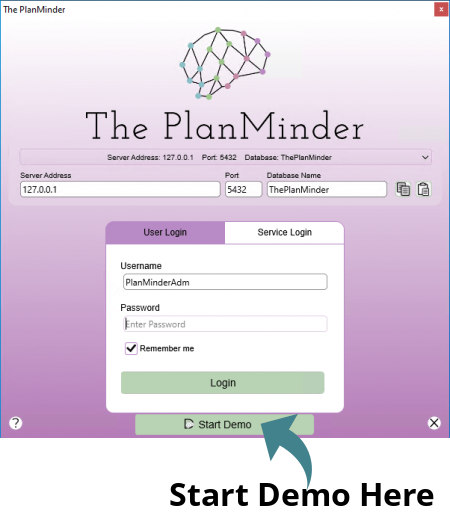
Login dialog screen shot.

Setting up a server

The PlanMinder needs a PostgreSQL database to store data. You can set up a local server, or use a cloud based server.

There are guides for different ways to do this on The PlanMinder is a Self Hosted Service page. You can be up and running in minutes.

When you have a new server, read Setting up The PlanMinder for Your Organization.

Demo

You can start The PlanMinder in Demo mode. Click on the Start Demo button on the bottom of the login screen.

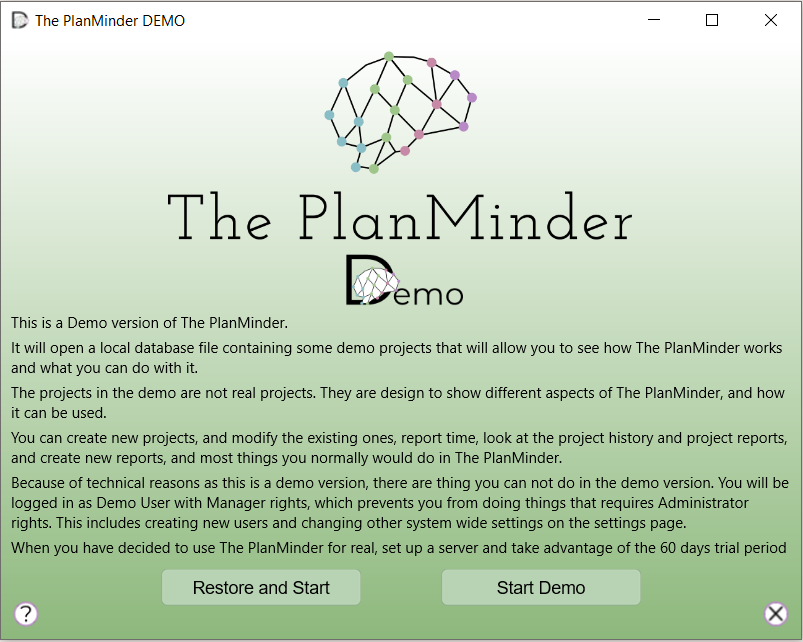
You do not need any server to run the demo. It uses a local database with some example projects. You can play around with those, and create your own projects to test things out and educate yourself on how The PlanMinder works. Next time you start the demo mode you will have the option to continue from where you left off, or reset the database to its original state.

Login dialog screen shot.

Support

If you have questions or need help, send an e-mail to:

theplanminder@auspicia.se